Slip a QR Code in Your PPV: The Tiny Trick That Brings Fans Closer
💬 Questions after reading? Our Telegram help group is open and free
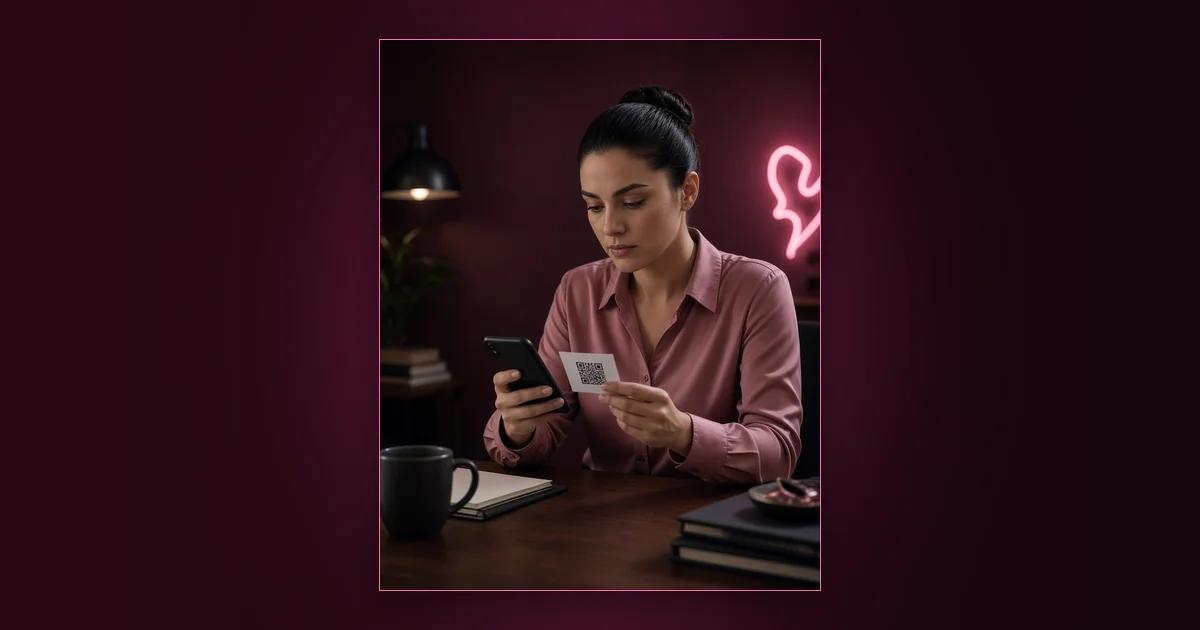
Here's a cheeky little trick, babe, and it takes five minutes to set up. When you send a push or a PPV, add one extra image: a QR code to your Telegram.
Your paid platform inbox is crowded: dozens of creators, notifications everywhere. Telegram is quieter, more personal, and it's yours. The QR code is the door between the two. The same rule applies to your bio: give fans one big red button to click.
Why a QR code works so well
- It's visual. In a gallery of photos, a well-designed QR card stands out and gets scanned.
- It's frictionless. Scan, tap, joined. No typing usernames.
- It reaches buyers. People who just opened your PPV are already warm. They're exactly who you want in your community.
- It works on a second screen. Fans on desktop can scan with their phone in two seconds.
What Telegram gives you that your inbox doesn't
| Platform inbox | Telegram | |
|---|---|---|
| Attention | Shared with every creator he follows | Your own space |
| Format | Mostly DMs and posts | Channel, group chat, polls, voice notes |
| Community | One-to-one only | Fans talk to each other |
| Ownership | Platform-controlled | You control the room |
| Frequency | Pushes can feel spammy | Daily chat feels natural |
Step by step
- Pick the destination. Your Telegram channel (broadcast) or a group (chat). Many creators link the channel, which has a discussion group attached.
- Generate the QR code. Any free QR generator works. Test it on two phones.
- Design a cute card. A square image in your colors: your photo, "Join my private lounge 💋", the QR code, and the plain link underneath for people who can't scan.
- Attach it as an extra file in your push or PPV message, where the platform allows multiple files.
- Give a reason to scan. "Daily teasers, polls for my next set, and first access to drops" beats "join my Telegram".
- Welcome every newcomer. A pinned welcome post and a short hello message make people stay.
Important: respect platform rules
This is the part people skip, so read it twice. 🙏
- Check your platform's current terms. Some platforms restrict promoting other websites or social accounts in messages, and most forbid taking payments outside the platform.
- Use Telegram for community, not checkout. Chat, polls, teasers and announcements on Telegram; purchases on your official platform.
- Keep Telegram content within Telegram's own rules and your channel settings appropriate for an adult audience.
When in doubt, ask support or check the help center before sending a mass message.
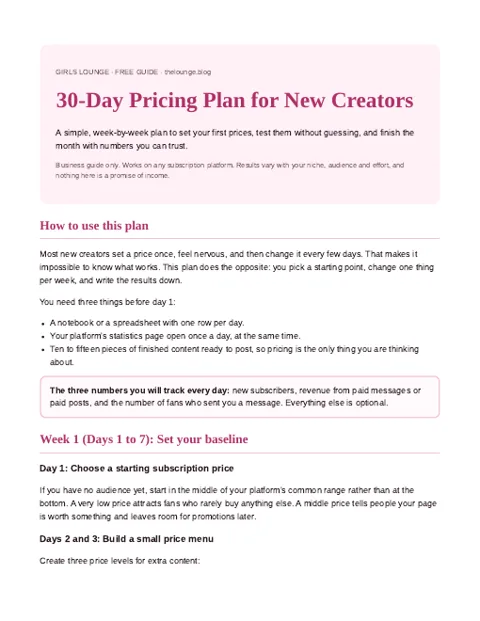
The free 30-Day Pricing Plan gives you a day-by-day checklist and a one-page rules template.
Join the creators group to get the plan
PDF pinned in the group. What is inside?
What to do once they've joined
- Say hi. A warm welcome message or a voice note goes far.
- Make them feel inside. Polls, behind-the-scenes, "you guys see it first".
- Post on a rhythm. See the weekly plan in community vs commercial on Telegram.
- Send warm fans back to your offers at the right moment: new set, limited drop, custom slots.
Track it
Use a dedicated invite link for the QR code (Telegram lets you create several invite links and see how many people joined through each). That way you know exactly how many fans came from your pushes versus your socials.
FAQ
Why add a QR code to my OnlyFans or MYM messages?
It's a visual, low-friction way to invite warm fans into your Telegram community, where you can build a closer relationship away from a crowded inbox.
Is it allowed to promote Telegram on OnlyFans?
Rules change and differ by platform. Check your platform's current terms on promoting other sites; never take payments outside the platform where it's forbidden.
Should the QR code lead to a Telegram channel or group?
A channel with a linked discussion group gives you both: broadcasts for announcements and a chat where fans can talk.
How do I track how many fans join from the QR code?
Create a dedicated Telegram invite link for the QR code. Telegram shows how many people joined through each invite link.
What should I put on the QR code image?
Your photo or brand colors, a short promise ("daily teasers, first access to drops"), the QR code and the plain link underneath.
Does this work on Fansly too?
Yes, the idea works anywhere you can attach images to messages, as long as you respect that platform's rules.
Bottom line
One little square image, one warm welcome, and your best buyers become your closest community. Small trick, big intimacy. 💋